
















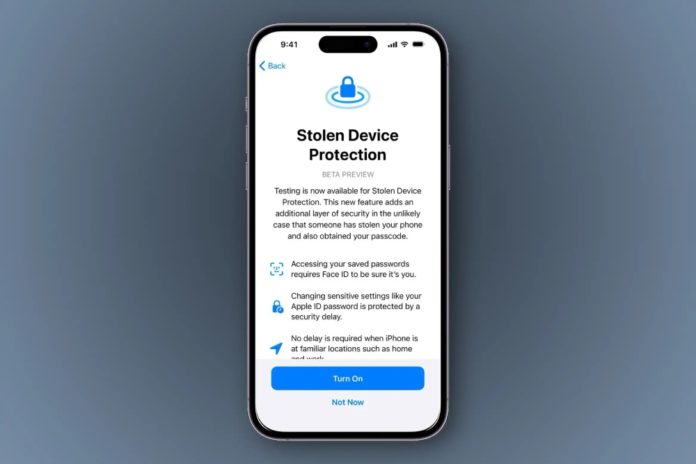

In a tech landscape that evolves by the minute, Apple stands as a pioneer in fortifying user security. The recent rollout of iOS 17.3 beta introduces a groundbreaking feature: Stolen Device Protection for iPhone. This innovative addition aims to control a rising trend of iPhone thefts plaguing public spaces, addressing a vulnerability discovered by Apple enthusisasts this year.
Recent surge in thefts
The unsettling scenario often involved opportunistic thieves observing victims inputting their passcodes before swiftly absconding with their iPhones. Exploiting this moment, perpetrators altered Apple ID passwords, effectively stopping owners from accessing their accounts and iCloud backups.
Enter Apple’s Stolen Device Protection for iPhone, a measure integrated into iOS 17.3 that seeks to curb such malicious activities. This sophisticated security layer operates on a simple principle, safeguarding user data without compromising convenience.
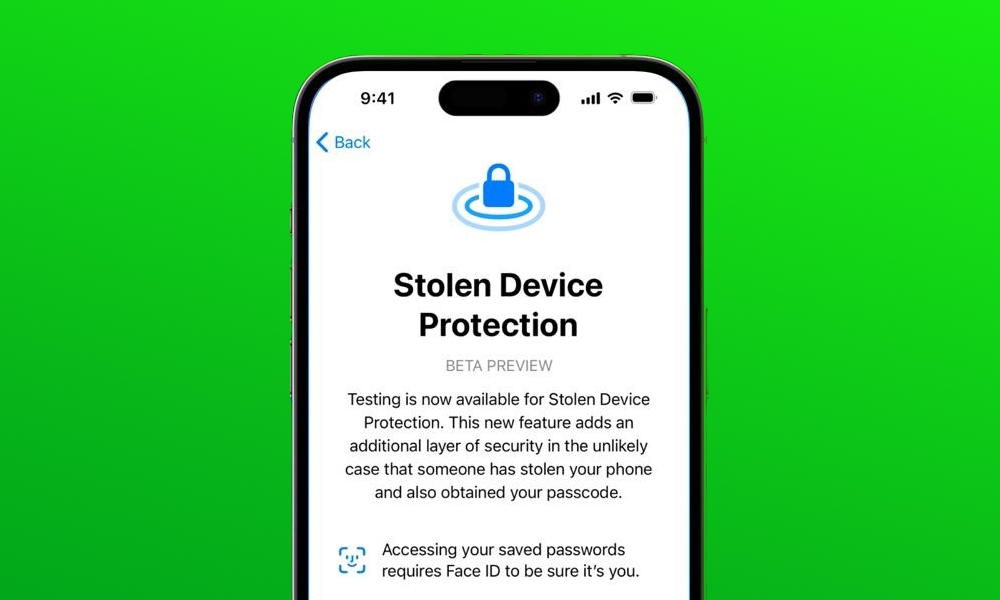
The mechanism relies on two pivotal facets:
- Enhanced Biometric Authentication: Leveraging Face ID, the feature reinforces the verification process for accessing saved passwords. It establishes a stringent protocol, mandating biometric confirmation to execute actions such as applying for an Apple Card or employing stored payment methods.
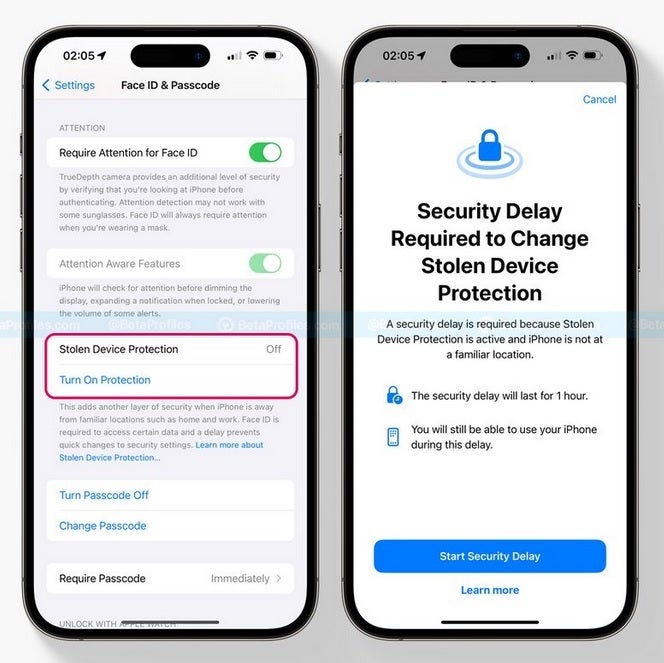
- Strategic Security Delay: Notably, for critical operations like modifying the Apple ID password, a security delay of one hour is imposed when the device is beyond familiar locations. This delay serves as an additional shield, demanding a secondary biometric authentication post the designated interval.
Activating this defense mechanism
- Ensure you’re running the iOS 17.3 beta on your iPhone.
- Navigate to the Settings app and select Face ID & Passcode (or Touch ID & Passcode).
- Opt for Stolen Device Protection to activate this safeguard.
Apple’s proactive approach, marrying innovation with security, underscores its commitment to user privacy. By seamlessly integrating advanced authentication measures, it empowers users with peace of mind without compromising the user experience.
This comprehensive security feature, balancing usability with robust defense protocols, emphasises on Apple’s dedication to safeguarding its users’ digital lives. As technology continues to evolve, Apple remains steadfast in its mission to fortify its ecosystem, ensuring that its users are always a step ahead in the ever-evolving landscape of cybersecurity.
Stay tuned to Brandsynario for more.