














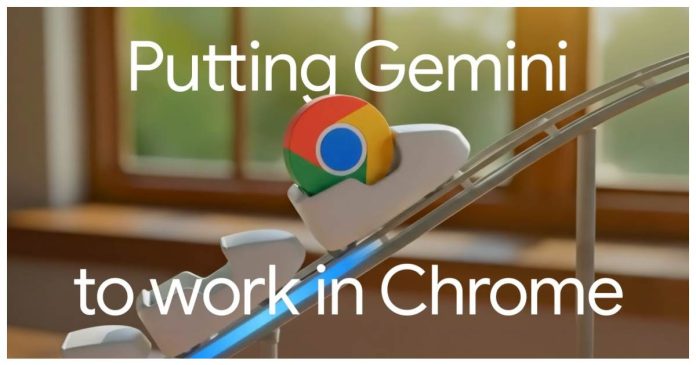

Google Chrome is set for a major change that goes way beyond minor security fixes or performance boosts. This is, by far, one of the biggest updates to the browser in years.
The tech giant is adamant to transform Chrome from a simple browser into an AI-assisted productivity engine that helps you get things done faster. Here’s a look at the 5 changers users will notice.
Changes You Will See In Google Chrome This Year
1. Google Chrome Gets a Gemini Side Panel
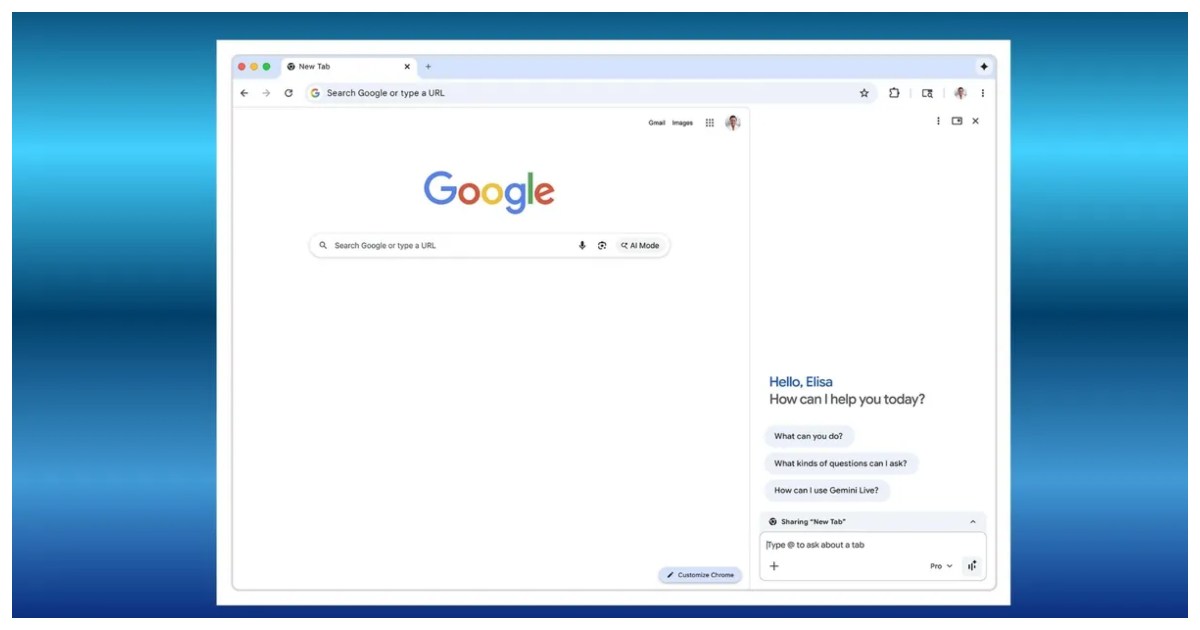
Gemini, Google’s powerful AI system, gets a place on Chrome. This will be visible in the form of a permanent AI sidebar. Users no longer need to switch tabs or open separate windows to get help from AI.
Users in emerging industries often juggle lots of tabs and tasks. Having AI as a persistent sidebar can reduce tab overload and speed up research, writing, and browsing, enabling multitasking.
2. Auto Browse
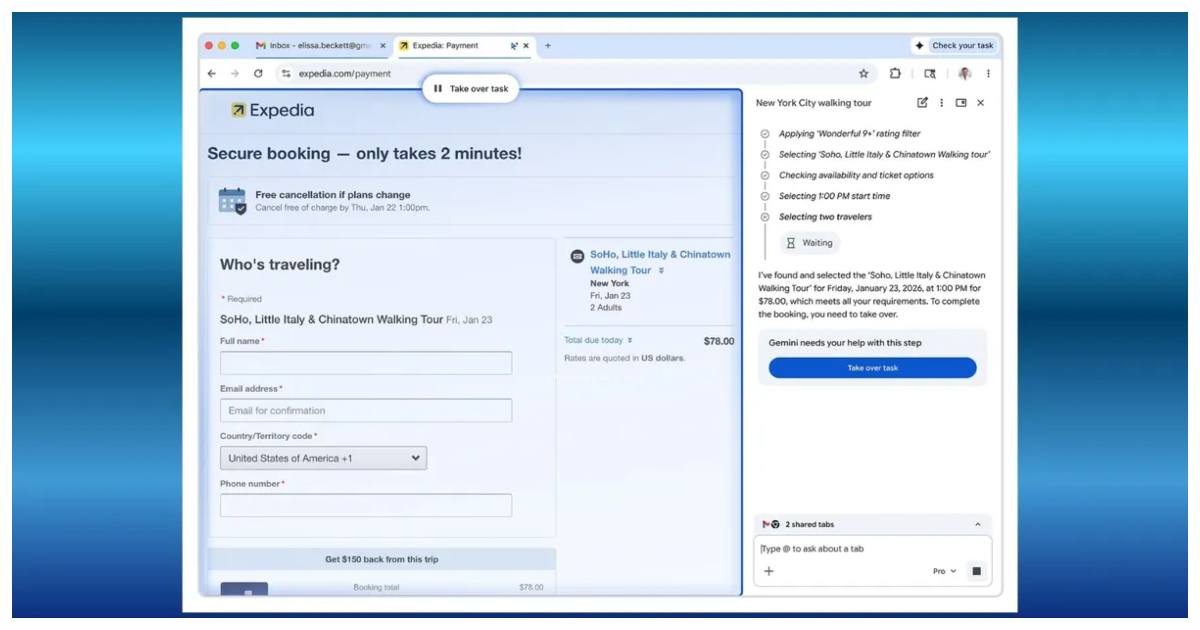
The headline feature of the recent updates is Auto Browse. This AI agent doesn’t just answer questions but acts on your behalf to complete multi-step tasks.
These tasks can range from scheduling appointments to filling forms to managing subscriptions. However, this auto-browse feature will first be available to US users with a subscription.
3. Personal Intelligence
Over the next few months, Google will introduce Personal Intelligence to Chrome, enabling Gemini to retain context from previous interactions so it can provide increasingly personalised responses.
According to Google, the feature will be completely opt-in, giving users full control over which apps are linked and what information is saved. While the aim is to make Chrome more helpful and proactive, it also brings renewed attention to how personalisation and long-term data handling are managed.

4. Nano Banana
Google is also integrating the creative capabilities of Nano Banana directly into Chrome, making it possible to edit and transform images instantly without downloading files or switching tabs.
Available to all Gemini-in-Chrome users, the tool works through simple prompts in the side panel, letting you describe exactly what you want to create. Whether it’s visualising a living room makeover or turning research data into eye-catching infographics, Nano Banana brings powerful image tools straight into the browser.

5. Enhanced Security
Chrome now relies on a multi-layered security system. These safeguards include a dedicated user-alignment model that verifies whether an AI agent’s actions reflect what the user actually intends, and tighter origin controls.
Chrome also features real-time detection of prompt-injection attacks, supported by continuous red-team testing. Google says these protections are designed to block unauthorised actions and prevent data exposure while ensuring users remain in full control.

Google’s latest Chrome updates mark a major shift in how we use the web. With Gemini deeply embedded, it is becoming an intelligent assistant that can read, understand, create, and act on your behalf.
Stay tuned to Brandsynario for latest news and updates