
















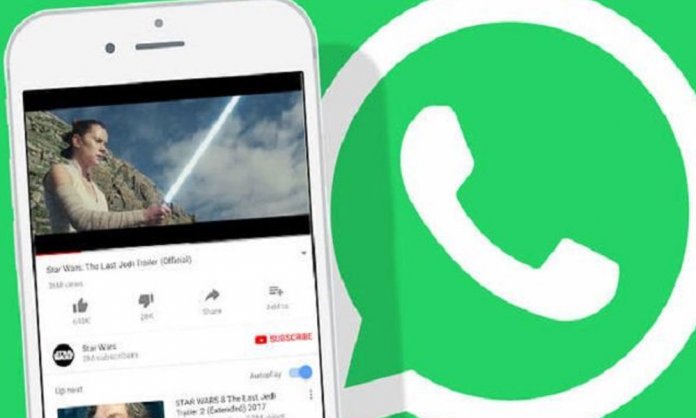

WhatsApp users can now enjoy watching Facebook and Instagram videos on the social media platform.
The user no longer needs to open the videos in a separate window or application. WhatsApp’s parent company, Facebook is rolling out a new update which is letting users now enjoy watching videos in peace and without hassles.
How to Play Facebook & Instagram Videos in Whatsapp
Kaspersky Lab Reveals Malware that Targets Android Users Through Telegram
For those who want to do so, you will simply have to do the following;
- Tap on the link (Facebook/Instagram) sent to you on WhatsApp
- Wait for it to open
- Voila!
On the other hand, more features are being expected to be rolled out for the messaging application including sharing your Instagram Stories on WhatsApp (and vice-versa).
As of now, the option to watch the FB and Insta videos on the app has only been taken out for some iOS devices, but it will be coming to other gadgets very soon.
What are your thoughts on this new feature?
Stay tuned to Brandsynario for more news and updates.
Google I/O 2018: Android ‘P’ – Smarter & Possibly Healthier Android Treat