


















You just sat down to watch the big game, but you can’t see the full score. Or perhaps you are playing a video game, and the inventory icons are sliced in half at the bottom of the screen. You haven’t bought a broken TV, and your eyes aren’t playing tricks on you. The television is purposefully throwing away part of the image.
This frustrating phenomenon is a digital holdover from the 1980s that is still haunting our modern, high-definition world. It’s called Overscan, and it is likely the reason your expensive 4K display feels cramped and blurry. The good news? You don’t have to live with a cropped view. Whether you are watching cable or using your TV as a massive PC monitor, a few clicks can unlock the hidden parts of your screen and sharpen your image instantly.
What is Overscan?
Overscan is a hidden zoom effect. Your television receives a full image signal but chooses to crop the outer edges and stretch the middle to fill the frame. Consequently, you lose a significant portion of the perimeter. You might notice the score of a basketball game is cut off, or the edges of movie subtitles are missing.
This isn’t a glitch in your screen. Instead, it is a deliberate scaling choice. Most modern displays still hide roughly 2% to 5% of the total picture. While this sounds small, it ruins the intended composition of the director or game developer.
Why It Happens
This problem exists because of old-school technology. Decades ago, cathode ray tube (CRT) televisions were unpredictable. They often displayed flickering lines and visual noise around the borders of a broadcast. To hide this electronic junk, manufacturers built TVs that zoomed past the edge of the plastic bezel.
Modern LED and OLED screens do not have this limitation. They are pixel-perfect displays. However, broadcasters still worry about inconsistent signals. As a result, many TV manufacturers leave overscan turned on by default to maintain compatibility with older broadcast standards. It is a digital solution for an analogue problem that no longer exists.
How to Fix It on Television
This can usually be fixed by diving into the TV’s settings menu. Look for a feature that forces the TV to display the signal pixel-for-pixel. First, grab the remote and locate the Picture, Aspect Ratio, or Display settings.
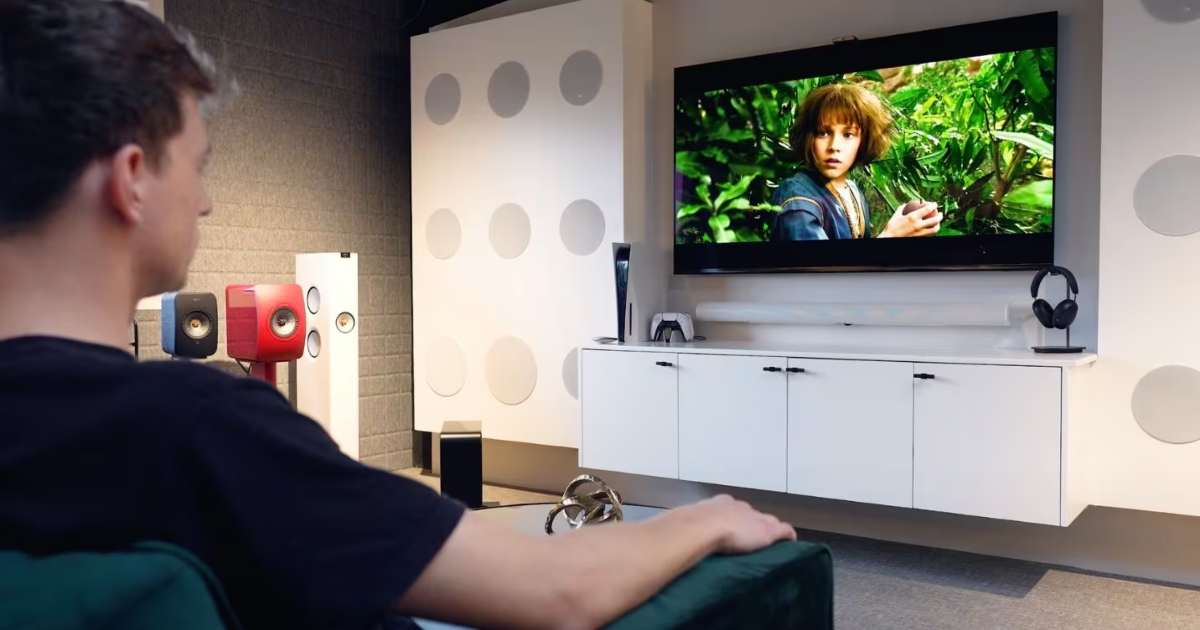
Avoid selecting 16:9 or Stretch. Surprisingly, even the 16:9 setting often applies a slight crop. Instead, look for options labelled Just Scan, Screen Fit, Full Pixel, or Original. Once you toggle this on, the image will likely shrink slightly, revealing the hidden edges. Now, you are seeing exactly what the camera captured without any artificial zooming.
How to Fix It on PCs Connected to Television
Fixing the TV settings usually solves the problem, but sometimes the computer’s graphics card needs a manual nudge. This is common when the Windows Taskbar or the Apple Menu bar remains hidden. You must adjust the scaling within your GPU control panel.

For NVIDIA Graphics
First, right-click the desktop and open the NVIDIA Control Panel. Navigate to the Display section and select Adjust desktop size and position. Click the Size tab and check the box for Enable desktop resizing. Finally, click Resize and use the sliders to pull the corners of the desktop into the viewable area.
For AMD Graphics
Start by opening the AMD Software (Radeon Settings). Head to the Settings gear icon and select the Display tab. Look for a slider labelled HDMI Scaling. Move the slider back and forth. You will see the image shrink or grow in real-time. Stop once the edges of your desktop align perfectly with the edges of your screen.
For Intel Graphics
Open the Intel Graphics Command Centre. Navigate to the Display tab and find the General sub-menu. Look for the Scale dropdown and select Custom. This will reveal two sliders for horizontal and vertical scaling. Adjust these until the entire desktop is visible.
You shouldn’t have to settle for a cropped, blurry version of your favourite content. Overscan is a relic of the past that simply has no place in a high-definition world. By digging into your settings and toggling off those legacy Zoom features, you instantly unlock the full potential of your display.
Whether you are finishing a project on your PC or watching a cinematic masterpiece, seeing the full frame makes a world of difference. Now that the edges have been reclaimed, you can finally enjoy the pixel-perfect clarity you actually paid for. Stop letting your TV hide the details and start seeing the whole picture.
Stay tuned to Brandsynario for the latest news and updates